OutletIQ/Beverage distributor software/Beer distribution software
Beer distribution
Beer is a volume game. More calls per day, smaller orders, and a lot riding on chillers, taps and displays. This page explains what beer distribution software should do for the field team, what to check before you buy, and where OutletIQ fits and where it does not.
Beer distribution software, on the sales side, is the app your reps and merchandisers carry and the console your managers watch. It plans a dense call cycle across pubs, bars, convenience stores and off licences, proves each call happened, records chiller, draught and display compliance, and captures the order at the price head office set.
Beer distributors usually have a system for the warehouse, the trucks and the invoices. What is often missing is evidence from the outlet: whether the call was made, whether the cold space was right, and whether the display the brewery paid for actually went up. That is the part this page covers.
Last reviewed October 2026.
In the field
Beer reps make more calls than almost anyone in drinks, and each one is short. The software has to make the call faster without losing the proof.
Journey plans with week and month views, nearest unvisited suggestions and per day distance estimates keep a high frequency route honest.
A visit counts only when GPS places the rep at the outlet, for long enough, on a phone that is not faking its location.
Chiller share, door placement, draught taps and fonts, back bar and floor displays. Your questions, in your sections, with photos as evidence.
Breweries pay for execution. Structured audits answer whether the price promotion and point of sale were in place, outlet by outlet.
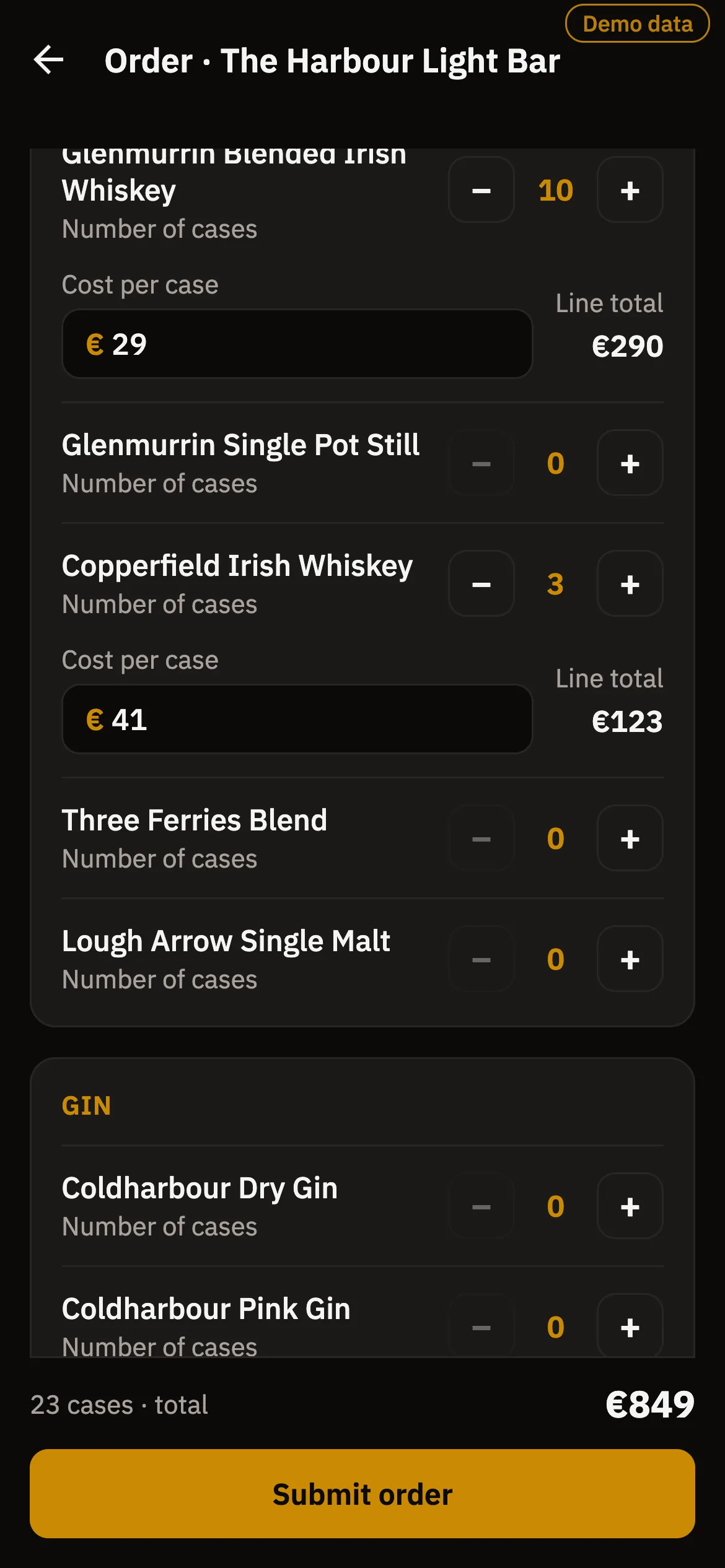
The rep picks products and cases. The server calculates the total from the price book, and a weak connection cannot create a duplicate.
Cellars, basements and rural routes kill data. The app carries on offline and syncs later.
Buyer's checklist
A beer rep might see a dozen or more outlets a day. Ask how many taps it takes to clock in, run the audit and send an order. Carried forward audit answers matter here: the rep should confirm what changed, not answer the same thirty questions every week.
Generic retail audits stop at shelf facings. Beer distributors need chiller and door placement, draught taps and fonts, and display compliance. Ask whether you can write your own sectioned forms, by outlet type, with photos attached to the visit.
The more calls a rep is expected to make, the bigger the temptation to log calls that did not happen. Look for a geofence, a minimum time on site, mock location detection and a review queue that shows managers why each visit was flagged.
Volume breaks, promotions and customer price lists change often. The safer design is that the handset never sets a price and the server recomputes every total from the current price book.
Many beer distributors already run route accounting or a distribution ERP for trucks, invoices and depletion reporting. Ask each vendor what it does not do, and how its orders reach the system that delivers and bills them.
Where it fits
A beer distributor almost always runs several systems. This is a plain map of the usual split and where OutletIQ sits.
| Job | Usually handled by | OutletIQ |
|---|---|---|
| Call planning and visit verification | Field sales or retail execution software | Yes. Journey plans, routes, and four signal visit verification with a review queue. |
| Chiller, draught, display and promotion audits | Retail execution software | Yes. Configurable sectioned audit forms with photos, with last visit's answers carried forward. |
| Order capture in the outlet | Field sales software or a route accounting handheld | Yes. Catalogue and cart, server-side totals from the price book, idempotent submission, CSV export. |
| Field approvals and purchase orders | ERP, finance tools or email | Yes for field side approvals. Multi-stage chains for expenses, stock requests and LPOs, with a PDF on final sign-off. |
| Delivery routing, drivers and proof of delivery | Route accounting or DSD software | No. OutletIQ routes are for sales reps, not delivery vehicles. |
| Van sales settlement and payment collection | Route accounting or DSD software | No. OutletIQ does not settle vans, print invoices or collect payments. |
| Keg and asset tracking | Asset tracking or route accounting software | No. |
| Depletion reporting to suppliers | Distribution ERP or route accounting software | No. |
| Stock, warehouse and inventory | ERP or warehouse management system | No. Keep it in your ERP or WMS. |
| Invoicing, credit control and accounts | ERP or accounting software | No. |
| Excise, duty and licensing records | ERP or specialist compliance tools | No. |
OutletIQ rows reflect the features described on the OutletIQ homepage. Scope and integrations for a specific deployment are confirmed in a written quote.
How OutletIQ does it
OutletIQ is field sales and retail execution software for drinks and FMCG distributors. For a beer distributor that means a rep app built for a fast, high frequency call and a manager console built around evidence.
What OutletIQ does not do. It is not route accounting software or an ERP. It does not plan delivery trucks, settle vans, print invoices, collect payments, track kegs or other assets, report depletions to suppliers, manage the warehouse or keep excise and duty records. It also does not score shelf or chiller photos automatically with image recognition. Keep the system that does those jobs and connect OutletIQ to it. Orders already export to CSV, and integration is scoped as part of the quote.
Some beer businesses run their own sales team, some rely on the distributor, and many do both. Because audit forms are configurable, one OutletIQ deployment can run a short merchandising check for one team and a full sales call for another.
For the wider drinks picture, see beverage distributor software, plus the pages for wine distributors and spirits distributors. For the general category, see retail execution software.
Last reviewed October 2026.
Questions
Beer distribution software is the set of systems a beer wholesaler or distributor uses to sell, deliver and account for beer. The field sales part is what reps and merchandisers carry: it plans the call cycle, verifies each visit, records chiller, draught and display compliance and captures orders at the price head office set.
No. OutletIQ does not plan delivery trucks, settle vans, print invoices, collect payments or report depletions. It covers the rep in the outlet and the manager at head office, and sits alongside your route accounting or distribution ERP.
Yes. Store audits are configurable sectioned forms, so you can ask about chiller share and placement, draught taps, displays, competitor prices and promotions, with photos attached to the visit. Last visit's answers carry forward to keep the call short.
Four signals are cross-checked on every visit: GPS geofencing at the outlet, a minimum dwell time (10 minutes by default, set per outlet), mock-GPS detection and location-fix density. Anything suspicious is flagged with its reason and sent to the manager review queue with the photo evidence attached.
Not in OutletIQ. The device never sets a price. Order totals are recomputed server-side from the price book, and submissions are idempotent, so a weak connection cannot create a duplicate order.
Yes. The OutletIQ rep app is offline-first. It runs on a local database and queues every action in an outbox that syncs when signal returns, so a cellar bar or a rural route loses nothing.
No. Keg and asset tracking belong in a dedicated asset tracking or route accounting system.
OutletIQ is a monthly subscription quoted per operation. Team size and rollout scope move the number, so pricing is written against your actual deployment rather than published as a list.
Book a demo
A 20-minute walkthrough of the rep app and the manager console, then a straight conversation about whether OutletIQ fits your beer distribution team and what it should connect to.
Or email fionn@fmops.ie
Keep reading
The whole drinks category: what the field layer does and what to look for.
Read it →List placements, samples and account calls for wine distributors.
Read it →Back bar visibility, brand activation and approvals for spirits distributors.
Read it →What retail execution software is and what it has to prove.
Read it →Tools distributors shortlist instead of Repsly, sourced from each vendor's own pages.
Read it →