OutletIQ/Beverage distributor software/Spirits distributor software
Spirits and alcohol distribution
Spirits are high value, heavily promoted and fought over on every back bar. This page explains what alcohol distribution software should do for the field team, what to check before you buy, and where OutletIQ fits and where it does not.
Spirits distributor software, for the field team, is the app your reps carry and the console your managers watch. It plans outlet visits across bars, clubs, hotels and off licences, proves each visit happened, records back bar and shelf visibility, controls the free stock and activation spend that goes into the trade, and captures the order at the price head office set.
Alcohol distributors already run systems for stock, duty and invoicing. The field is where money leaks quietly: promotional stock that cannot be traced, activations nobody verified, discounts agreed on the spot and visits that were never made. That is the part this page covers.
Last reviewed October 2026.
In the field
Spirits reps sell brands as much as bottles. The software has to prove the brand was visible, the spend was justified and the order was priced right.
Bars and clubs, hotels and off licences need different call frequencies. Journey plans with week and month views keep the coverage deliberate.
A visit counts only when GPS places the rep at the outlet, for long enough, on a phone that is not faking its location.
Back bar and shelf position, pouring brand, menu listings, competitor prices and promotions. Your questions, in your sections, with photos.
Free stock, sampling, expenses and purchase orders go through multi-stage approval chains, and free stock is recorded against the outlet and the visit.
High unit values make a wrong price expensive. The rep sells; the server calculates the total from the price book.
Clubs, basements and busy venues kill data. The app carries on offline and syncs later.
Buyer's checklist
Free bottles, sampling, event support and purchase orders are where spirits budgets leak. Look for configurable multi-stage approvals with a record at the end, so finance sees a signed off document instead of a screenshot in a chat.
Brand owners pay distributors to execute. Audits should be structured forms, not free text, so back bar position, menu listings and promotion compliance can be compared across outlets, reps and weeks, with photos attached to the visit.
With high value products, a discount agreed on a handset costs real margin. The safer design is that the rep picks products and quantities and the server recomputes the total from the current price book on submit.
Ask every vendor exactly what it checks before a visit counts. Look for a geofence, a minimum time on site, detection of mock location apps and a review queue where flagged visits wait with the reason attached.
Duty, excise, licensing and stock belong in other systems. Ask each vendor what it does not do and how its data reaches the system that does.
Where it fits
Spirits and alcohol distributors run several systems. This is a plain map of the usual split and where OutletIQ sits.
| Job | Usually handled by | OutletIQ |
|---|---|---|
| Outlet visit planning and verification | Field sales or retail execution software | Yes. Journey plans, routes, and four signal visit verification with a review queue. |
| Back bar, menu, shelf and promotion audits | Retail execution software | Yes. Configurable sectioned audit forms with photos, with last visit's answers carried forward. |
| Free stock, sampling and field expenses | Email, spreadsheets or the ERP | Yes for the field side. Free stock recorded against the outlet and visit, and multi-stage approval chains. |
| Order capture in the outlet | Field sales software or an ERP mobile add-on | Yes. Catalogue and cart, server-side totals from the price book, idempotent submission, CSV export. |
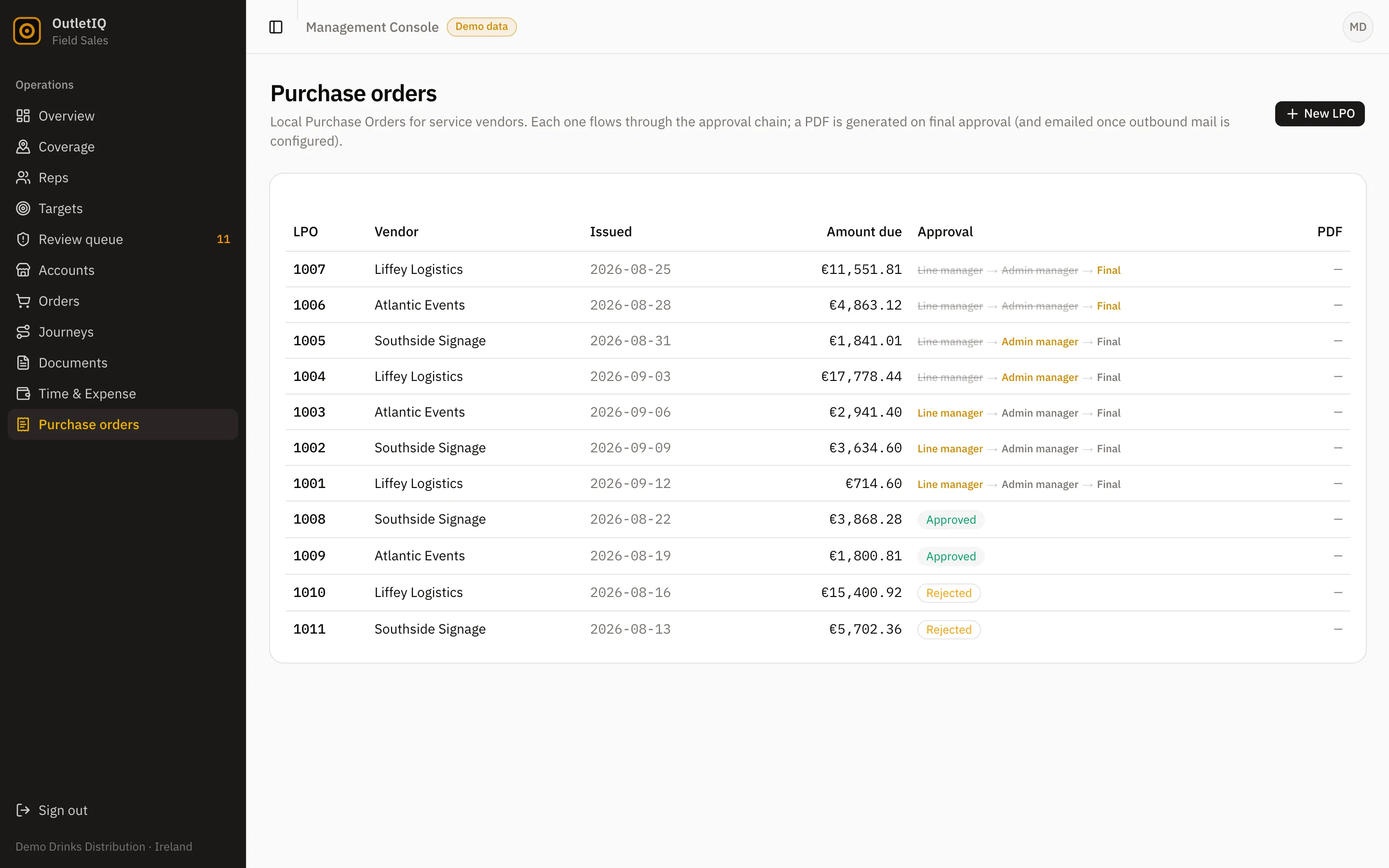
| Purchase orders (LPOs) | ERP, finance tools or email | Yes for the approval chain, with a PDF on final sign-off. |
| Delivery routing and van sales settlement | Delivery, route accounting or DSD software | No. |
| Stock, warehouse and inventory | ERP or warehouse management system | No. Keep it in your ERP or WMS. |
| Invoicing, credit control and accounts | ERP or accounting software | No. |
| Excise, duty and licensing records | ERP or specialist compliance tools | No. |
OutletIQ rows reflect the features described on the OutletIQ homepage. Scope and integrations for a specific deployment are confirmed in a written quote.
How OutletIQ does it
OutletIQ is field sales and retail execution software for drinks and FMCG distributors. For a spirits or alcohol distributor that means a rep app that leaves evidence behind every call and a manager console that controls the spend going into the trade.
What OutletIQ does not do. It is not an ERP. It does not manage stock, bonded warehouses or duty, issue invoices, run credit control, plan delivery vehicles, settle van sales or keep excise and licensing records. It does not score back bar photos automatically with image recognition. Keep or buy the system that does those jobs and connect OutletIQ to it. Orders already export to CSV, and integration with your existing systems is scoped as part of the quote.
If you distribute brands for several owners, configurable audit forms let you run a different set of questions for each portfolio, and the review queue and orders view give you the evidence to report back on execution.
For the wider drinks picture, see beverage distributor software, plus the pages for wine distributors and beer distributors. If you are shortlisting vendors, see OutletIQ vs Repsly and OutletIQ vs Pepperi.
Last reviewed October 2026.
Questions
Alcohol distribution software is the set of systems a spirits, wine or beer distributor uses to sell, deliver and account for alcohol. The field sales part is what reps carry: it plans outlet visits, verifies them, records back bar, shelf and promotion compliance, controls free stock and captures orders at the price head office set.
Yes, on the field side. Free stock is recorded against the outlet and the visit, and free stock requests, expenses and purchase orders go through configurable multi-stage approval chains, with a PDF on final approval for purchase orders.
Yes. Store audits are configurable sectioned forms, so you can ask about back bar position, pouring brand, menu listings, competitor prices and promotions, with photos attached to the visit.
Four signals are cross-checked on every visit: GPS geofencing at the outlet, a minimum dwell time (10 minutes by default, set per outlet), mock-GPS detection and location-fix density. Anything suspicious is flagged with its reason and sent to the manager review queue with the photo evidence attached.
Not in OutletIQ. The device never sets a price. Order totals are recomputed server-side from the price book, and submissions are idempotent, so a weak connection cannot create a duplicate order.
No. Duty, excise, bonded stock and licence records belong in your ERP or a specialist compliance system. OutletIQ records the visit, the audit and the order.
Yes. The OutletIQ rep app is offline-first. It runs on a local database and queues every action in an outbox that syncs when signal returns.
OutletIQ is a monthly subscription quoted per operation. Team size and rollout scope move the number, so pricing is written against your actual deployment rather than published as a list.
Book a demo
A 20-minute walkthrough of the rep app and the manager console, then a straight conversation about whether OutletIQ fits your spirits distribution operation and what it should connect to.
Or email fionn@fmops.ie
Keep reading
The whole drinks category: what the field layer does and what to look for.
Read it →List placements, samples and account calls for wine distributors.
Read it →High frequency calls, chillers and draught for beer distributors.
Read it →Visit verification, order control and offline working, compared.
Read it →A plain definition and the questions to ask before buying.
Read it →